Open Source Version
Apache License 2.0
Free for personal and commercial use
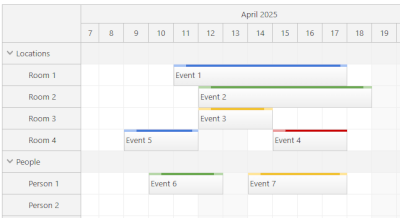 Scheduler
A horizontal timeline that shows resources as rows, with support for large data sets.
LITE
PRO
Scheduler
A horizontal timeline that shows resources as rows, with support for large data sets.
LITE
PRO
Lite version includes: Drag-and-drop CSS themes Progressive rendering Custom timescale Snap to grid Event icons Custom event drag handles Touch devices Localization Vue templates for events Vue templates for cells Undo/redo XSS protection
Pro version includes: All Lite features Non-continuous timeline Frozen rows PDF export Image export PDF export Excel export Hierarchy of resources Dynamic event loading during scrolling Dependency links Milestones Mass drag-and-drop operations Row header columns Dragging events from and to an external source Bubble popover Zoom Split resources Disabled cells Holidays Skipping non-business hours Hiding non-business hours Row header width auto-fit Keyboard navigation Drag-and-drop row moving Inline editing Concurrent event groups Row sorting Row filtering Vue templates for row headers Vue templates for time headers Overlap prevention Infinite scrolling Event versions Event phases Joint events are always moved and resized together Resource utilization summary Crosshair
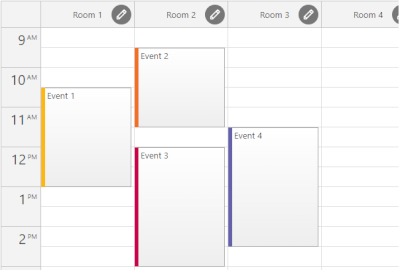 Resource Calendar
A vertical timeline that shows resources as columns.
LITE
PRO
Resource Calendar
A vertical timeline that shows resources as columns.
LITE
PRO
Lite version includes: Drag-and-drop CSS themes Snap to grid Event icons Custom event content and styling Undo/redo Localization
Pro version includes: All Lite features Drag-and-drop column moving and resizing Column hierarchy Column filtering Column header height auto-fit Custom timescale Progressive rendering PDF export Image export Bubble popover Zoom Disabled cells Holidays Touch devices
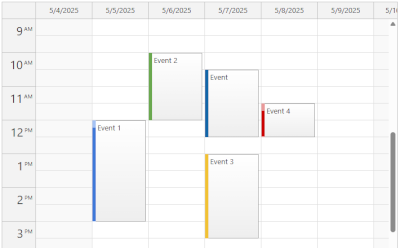 Daily / Weekly Calendar
An interactive day & week view with drag-and-drop and customizable cell duration.
LITE
PRO
Daily / Weekly Calendar
An interactive day & week view with drag-and-drop and customizable cell duration.
LITE
PRO
Lite version includes: Customizable cell duration Drag-and-drop Snap to grid Customizable event, cell, and header content Event icons Custom event drag handles Localization Configurable number of days Context menu Business hours Holidays Undo/redo CSS themes TypeScript
Pro version includes: All Lite features Progressive rendering High number columns with fixed width All-day events Touch devices Bubble popover Zoom Disabled cells Column header height auto-fit Inline editing Vue templates for events, cells and headers Image export PDF export RTL support AutoScroll Crosshair
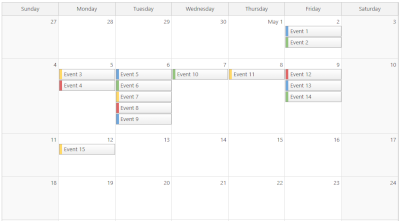 Monthly Calendar
A month grid that displays days as cells.
LITE
PRO
Monthly Calendar
A month grid that displays days as cells.
LITE
PRO
Lite version includes: Customizable cell duration Events spanning multiple days Drag-and-drop event moving and resizing Snap to grid Event icons Adjustable event height Customizable event content and CSS Built-in or custom delete icons Localization Context menu Event tooltip Business days Holidays CSS themes TypeScript
Pro version includes: All Lite features Touch devices Bubble popover Undo/redo Disabled cells Inline editing Vue templates for events and cells Image export PDF export RTL support AutoScroll Custom event drag handles Full month or specified number of weeks Maximum number of events per cell Cell stacking mode
 Yearly Calendar
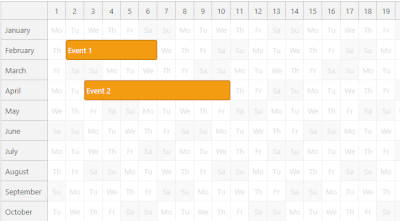
A yearly calendar that shows months as rows.
PRO
Yearly Calendar
A yearly calendar that shows months as rows.
PRO
Pro version includes: Drag-and-drop Event spanning multiple days or months CSS themes Snap to grid Event icons Custom event drag handles Touch devices Localization Progressive rendering Fixed or automatic column width PDF export Image export Bubble popover Zoom Undo/redo Disabled cells Holidays
 Timesheet
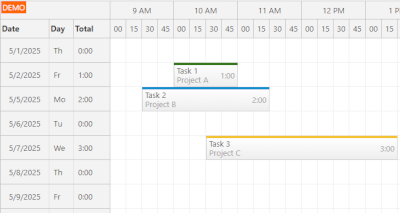
A timesheet view with one day per row and up to 24 hours on the horizonal axis.
PRO
Timesheet
A timesheet view with one day per row and up to 24 hours on the horizonal axis.
PRO
Horizontal timeline tailored for employee hours, project billing and utilization tracking.
Pro version includes: Drag-and-drop CSS themes Snap to grid Event icons Custom event drag handles Touch devices Localization Progressive rendering PDF export Image export Excel export Bubble popover Zoom Undo/redo Disabled cells Holidays Hiding non-business hours Row header width auto-fit Keyboard navigation Inline editing Vue templates for events, cells and headers Crosshair Row header columns TypeScript
 Gantt Chart
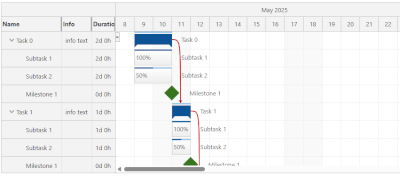
A project timeline with tasks, links, and milestones.
PRO
Gantt Chart
A project timeline with tasks, links, and milestones.
PRO
Project timeline with tasks, links, milestones, and drag-and-drop support.
Pro version includes: Drag-and-drop CSS themes Snap to grid Task icons Milestones Task groups Touch devices Localization Progressive rendering PDF export Image export Excel export Bubble popover Disabled cells Drag and drop between two Gantt charts Zoom Undo/redo Holidays Hiding non-business hours Row header width auto-fit Inline editing Vue templates for tasks, cells and headers Crosshair Task header columns Task dependency highlighting using links (Start-to-Start, Start-to-Finish, Finish-to-Start, Finish-to-Finish) Task progress bar Large data sets Non-linear timeline Context menu Custom time scale (minutes, hours, days, weeks, months, years) Customizable task content (HTML, active areas) TypeScript
 Kanban Board
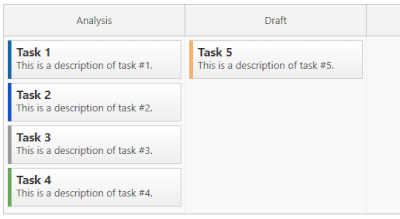
A column-based task board with optional horizontal swim-lanes.
PRO
Kanban Board
A column-based task board with optional horizontal swim-lanes.
PRO
Pro version includes: Drag-and-drop CSS themes Snap to grid Card icons Touch devices Localization Progressive rendering Row header columns Large number of columns with fixed width Bubble popover Row header width auto-fit Keyboard navigation Inline editing Vue templates for cards, cells and headers Crosshair Card swim-lanes Card customization (HTML, icons, active areas) Context menu Bubble popover Card color-coding TypeScript External drag and drop Drag and drop swimlane moving



















.png)
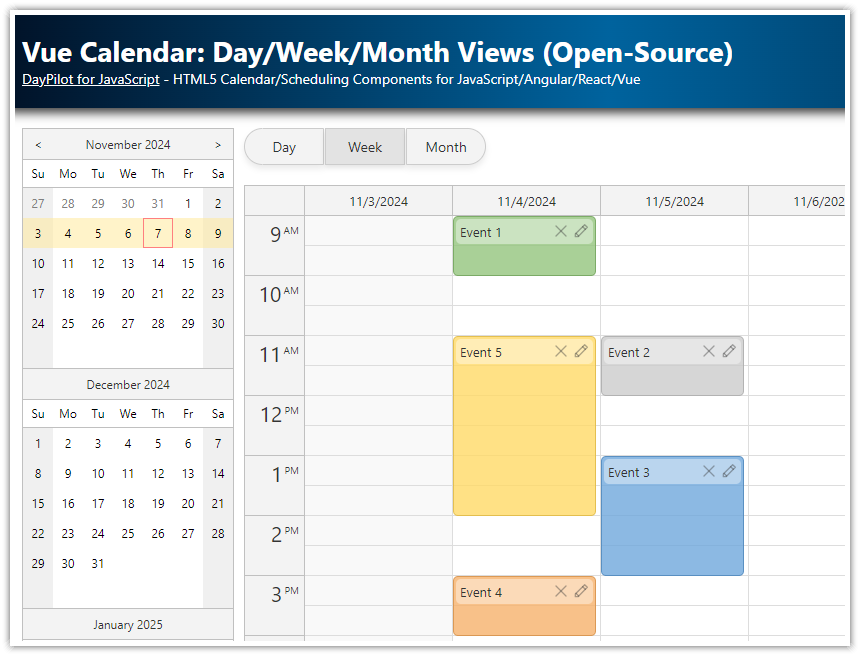
Create a complex calendar UI in Vue.js with multiple views, view-switching buttons and an integrated date picker. Use a shared data source to make it fast and Vue templates to define event appearance.
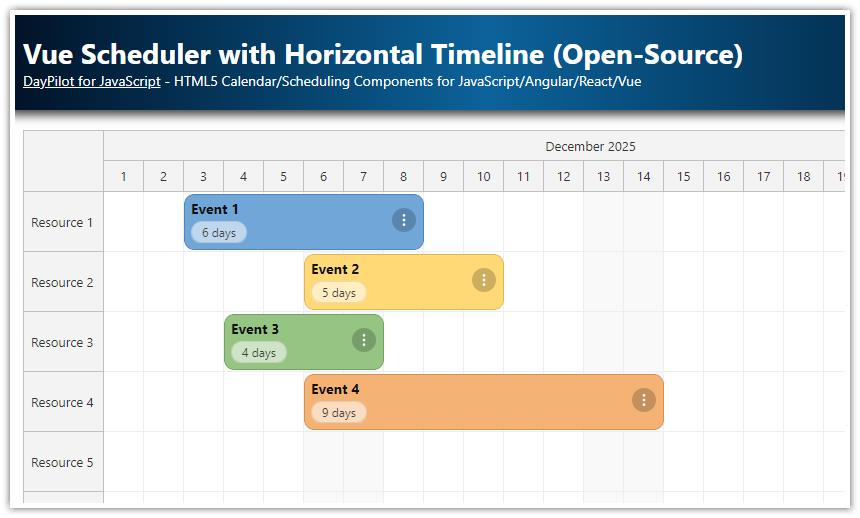
Build a horizontal, resource-based timeline using the open-source Vue Scheduler and customize event appearance with Vue templates and CSS.
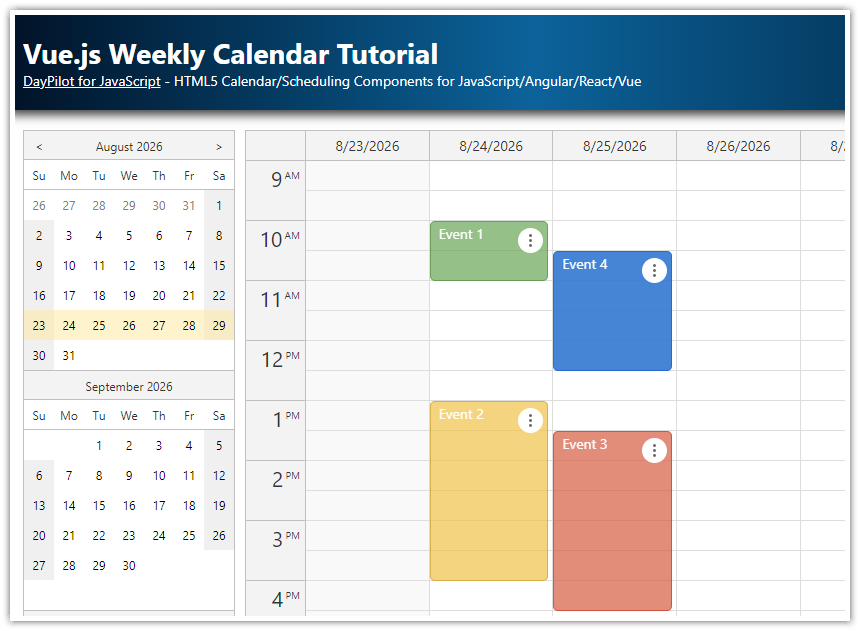
How to create a weekly calendar web application using a Vue calendar component. The tutorial includes a Vue.js project with JavaScript source code for download.
How to create a monthly calendar/scheduler view for planning events, tasks, and reminders in Vue. The downloadable Vue project uses the open-source DayPilot Lite library.
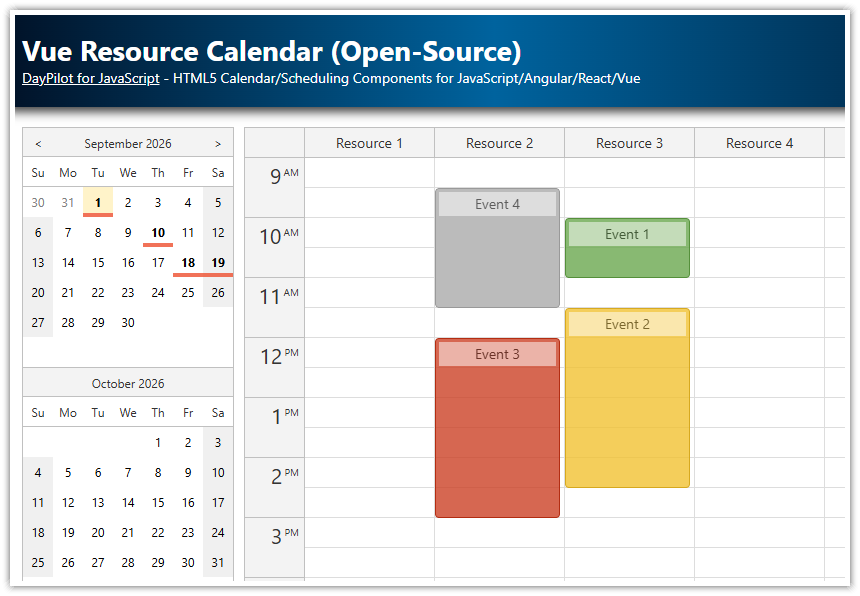
Use the Vue calendar component to display an interactive schedule for multiple resources.

How to add "Undo" and "Redo" buttons to the Vue Scheduler. The UndoService maintains history of changes and allows unlimited undo/redo.
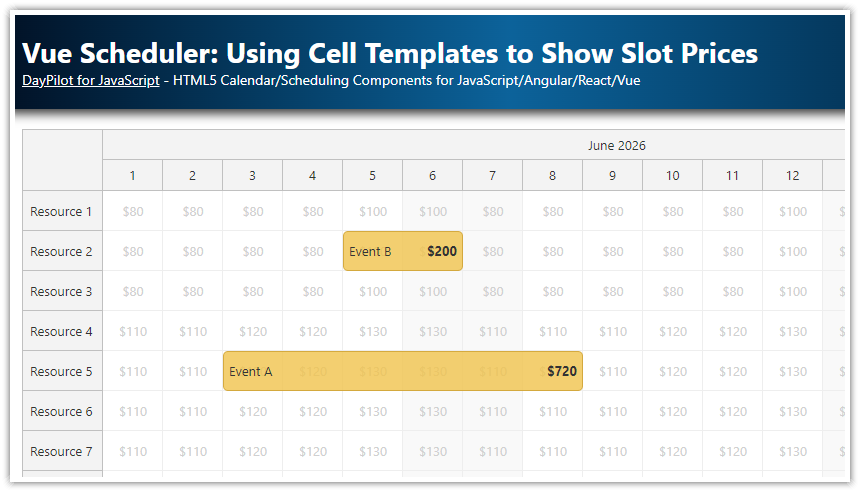
How to use Vue templates to display dynamic reservation prices in each Scheduler time slot. Slot prices are defined using pricing plans independently for each day of the week.
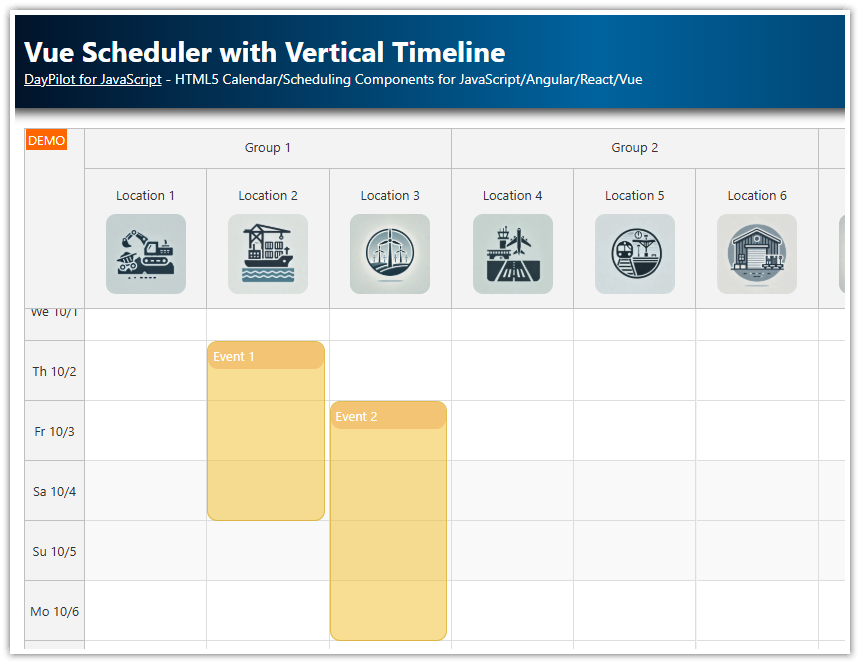
How to use the Vue Calendar component to create a scheduler UI with a vertical timeline and resources displayed as columns. Configure advanced features, such as responsive layout, column groups, and content customization using Vue templates.

How to display global and row-specific holidays in the Vue Scheduler. Optionally, disable the drag and drop operations for the holiday cells.

How to calculate resource utilization percentage and display a histogram at the top of the Vue Scheduler component.

How to display a queue of unscheduled tasks that can be dragged to the Vue Scheduler component.
 DayPilot
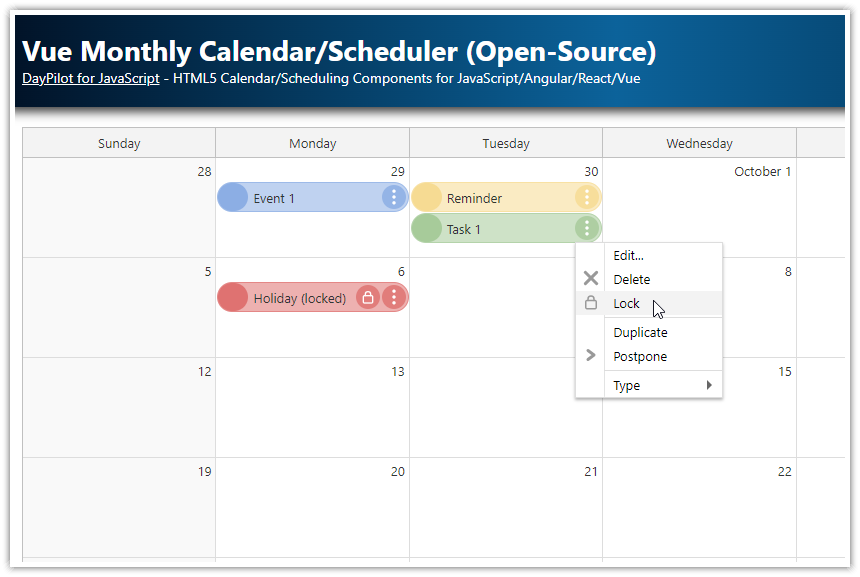 />
/>