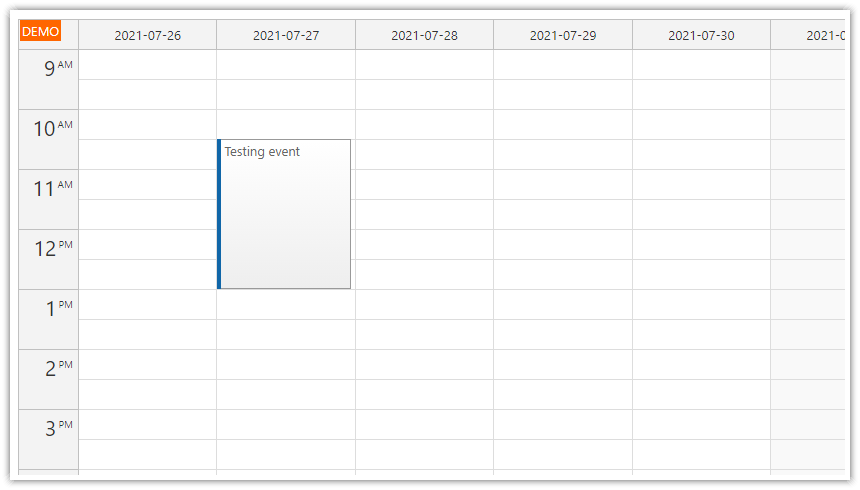
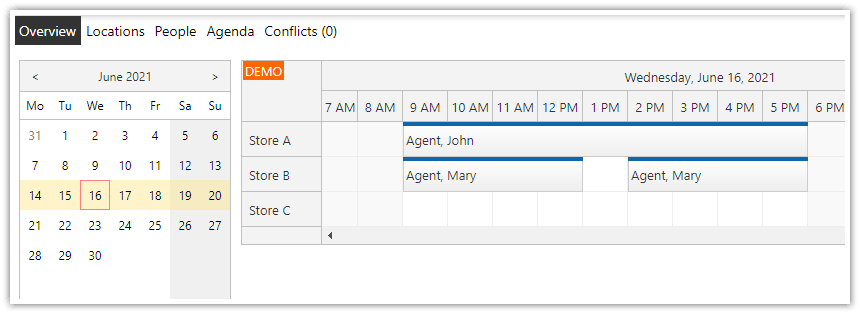
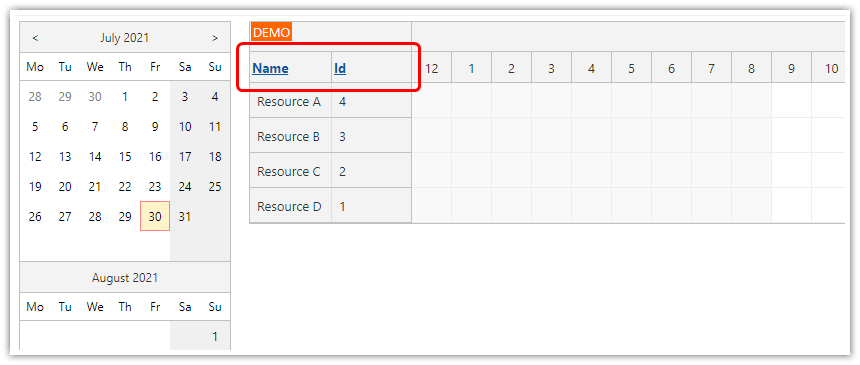
This tutorial shows how to use DayPilot ASP.NET Calendar in a web application. It includes both C# and VB.NET version.
License
Licensed for testing and evaluation purposes. You can use the source code of the tutorial if you are a licensed user of DayPilot Pro for ASP.NET WebForms.
Features
It is a minimalistic version:
One web page
Week view calendar
Connected to an SQLite database
Event moving enabled (drag&drop)
Single user
Installation
[Optional] You can add the DayPilot controls to the Visual Studio Toolbox:
Web Site
Create a new web site in Visual Studio.
Create a Bin directory in the web site and copy DayPilot.dll there.
Web Form (Page)
Add a new page to the site (Default.aspx).
Adding the Calendar Control

Add the following line to Default.aspx, right below <%@ Page ... %> line:
<%@ Register Assembly="DayPilot" Namespace="DayPilot.Web.Ui" TagPrefix="DayPilot" %>Copy the following snippet to the page (inside <form> element):
C#
    <daypilot:daypilotcalendar
     id="DayPilotCalendar1"
     runat="server"
     DataStartField="eventstart"
     DataEndField="eventend"
     DataTextField="name"
     DataValueField="id"
     Days="7"
     OnEventMove="DayPilotCalendar1_EventMove"
     EventMoveHandling="CallBack"
     >
    </daypilot:daypilotcalendar>
VB.NET
    <daypilot:daypilotcalendar
     id="DayPilotCalendar1"
     runat="server"
     DataStartField="eventstart"
     DataEndField="eventend"
     DataTextField="name"
     DataValueField="id"
     Days="7"
     EventMoveHandling="CallBack"
     >
    </daypilot:daypilotcalendar>
The following attributes are required by ASP.NET:
id
runat
The following attributes are required by DayPilot:
DataStartField - specifies the data source column that contains event start (DateTime)
DataEndField - specifies the data source column that contains event end (DateTime)
DataTextField - specifies the data soruce column that contains event text (string)
DataValueField - specifies the data source column that contains event id (string or integer)
We define a few additional attributes:
Days - specifies the number of days (visible as calendar columns)
EventMoveHandling - enables event moving (the action will be handled by an AJAX callback)
For C# we also define a EventMove event handler here (in VB.NET it's defined using Handles clause in the Default.aspx.vb):
OnEventMove
Adding the Functionality
The code behind file (Default.aspx.cs or Default.aspx.vb) must contain two event handlers:
Page_Load
DayPilotCalendar1_EventMove
Page_Load
We will load events from the DB to the Calendar during the initial web page load.
C#
    protected void Page_Load(object sender, EventArgs e)
    {
        if (!IsPostBack)
        {
            DayPilotCalendar1.StartDate = DayPilot.Utils.Week.FirstDayOfWeek(new DateTime(2009, 1, 1));
            DayPilotCalendar1.DataSource = dbGetEvents(DayPilotCalendar1.StartDate, DayPilotCalendar1.Days);
            DataBind();
        }
    }
VB.NET
    Protected Sub Page_Load(ByVal sender As Object, ByVal e As System.EventArgs) Handles Me.Load

        If (Not IsPostBack) Then
            DayPilotCalendar1.StartDate = DayPilot.Utils.Week.FirstDayOfWeek(New DateTime(2009, 1, 1))
            DayPilotCalendar1.DataSource = dbGetEvents(DayPilotCalendar1.StartDate, DayPilotCalendar1.Days)
            DataBind()
        End If

    End Sub
DayPilotCalendar1_EventMove
We will update the DB to actually move an event and send an updated event set back to the client.
C#
    protected void DayPilotCalendar1_EventMove(object sender, DayPilot.Web.Ui.Events.EventMoveEventArgs e)
    {
        dbUpdateEvent(e.Value, e.NewStart, e.NewEnd);
        DayPilotCalendar1.DataSource = dbGetEvents(DayPilotCalendar1.StartDate, DayPilotCalendar1.Days);
        DayPilotCalendar1.DataBind();
        DayPilotCalendar1.Update();
    }
VB.NET
    Protected Sub DayPilotCalendar1_EventMove(ByVal sender As Object, ByVal e As DayPilot.Web.Ui.Events.EventMoveEventArgs) Handles DayPilotCalendar1.EventMove
        dbUpdateEvent(e.Value, e.NewStart, e.NewEnd)
        DayPilotCalendar1.DataSource = dbGetEvents(DayPilotCalendar1.StartDate, DayPilotCalendar1.Days)
        DayPilotCalendar1.DataBind()
        DayPilotCalendar1.Update()
    End Sub
Database
In this tutorial, we are using SQLite embedded database and SQLite ADO.NET Provider to limit the external dependencies (both the ADO.NET driver and the database engine are in a single file - System.Data.SQLite.DLL - in Bin directory).
The database file (daypilot.sqlite) can be found in App_Data directory. The database structure can be examined using SQLite Administrator.

The database contains a single table with the following structure:
CREATE TABLE event (
  id VARCHAR(50),
  name VARCHAR(50),
  eventstart DATETIME,
  eventend DATETIME
);
Loading events
C#
    private DataTable dbGetEvents(DateTime start, int days)
    {
        SQLiteDataAdapter da = new SQLiteDataAdapter("SELECT [id], [name], [eventstart], [eventend] FROM [event] WHERE NOT (([eventend] <= @start) OR ([eventstart] >= @end))", ConfigurationManager.ConnectionStrings["db"].ConnectionString);
        da.SelectCommand.Parameters.AddWithValue("start", start);
        da.SelectCommand.Parameters.AddWithValue("end", start.AddDays(days));
        DataTable dt = new DataTable();
        da.Fill(dt);
        return dt;
    }
VB.NET
    Private Function dbGetEvents(ByVal start As DateTime, ByVal days As Integer) As DataTable
        Dim da As New Data.SQLite.SQLiteDataAdapter("SELECT [id], [name], [eventstart], [eventend] FROM [event] WHERE NOT (([eventend] <= @start) OR ([eventstart] >= @end))", ConfigurationManager.ConnectionStrings("db").ConnectionString)
        da.SelectCommand.Parameters.AddWithValue("start", start)
        da.SelectCommand.Parameters.AddWithValue("end", start.AddDays(days))
        Dim dt As New DataTable()
        da.Fill(dt)
        Return dt
    End Function
Updating an event
C#
    private void dbUpdateEvent(string id, DateTime start, DateTime end)
    {
        using (SQLiteConnection con = new SQLiteConnection(ConfigurationManager.ConnectionStrings["db"].ConnectionString))
        {
            con.Open();
            SQLiteCommand cmd = new SQLiteCommand("UPDATE [event] SET [eventstart] = @start, [eventend] = @end WHERE [id] = @id", con);
            cmd.Parameters.AddWithValue("id", id);
            cmd.Parameters.AddWithValue("start", start);
            cmd.Parameters.AddWithValue("end", end);
            cmd.ExecuteNonQuery();
        }
    }
VB.NET
    Private Sub dbUpdateEvent(ByVal id As String, ByVal start As DateTime, ByVal [end] As DateTime)
        Using con As New Data.SQLite.SQLiteConnection(ConfigurationManager.ConnectionStrings("db").ConnectionString)
            con.Open()
            Dim cmd As New Data.SQLite.SQLiteCommand("UPDATE [event] SET [eventstart] = @start, [eventend] = @end WHERE [id] = @id", con)
            cmd.Parameters.AddWithValue("id", id)
            cmd.Parameters.AddWithValue("start", start)
            cmd.Parameters.AddWithValue("end", [end])
            cmd.ExecuteNonQuery()
        End Using
    End Sub