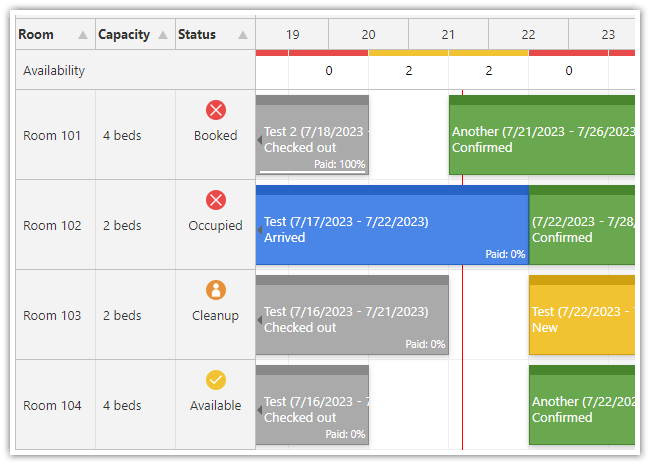
We love scheduling
Trusted by
We helped thousands of customers create modern, beautiful scheduling applications that are used by millions of users.





















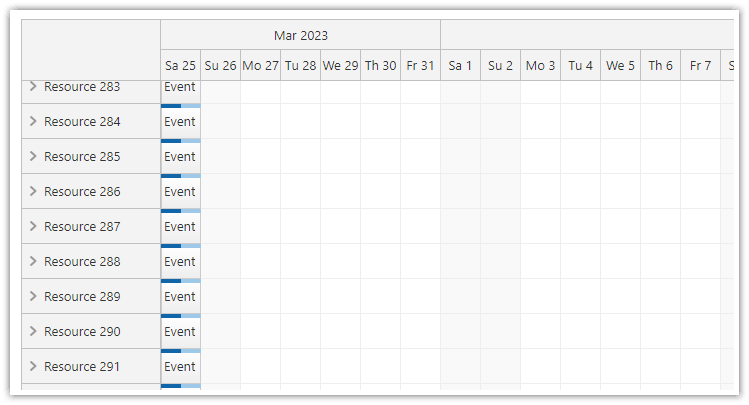
We love performance tuning
The components are highly scalable and can handle thousands of records. DayPilot uses progressive rendering, on-demand loading, partial updates and other techniques to make the UI as fast as possible.
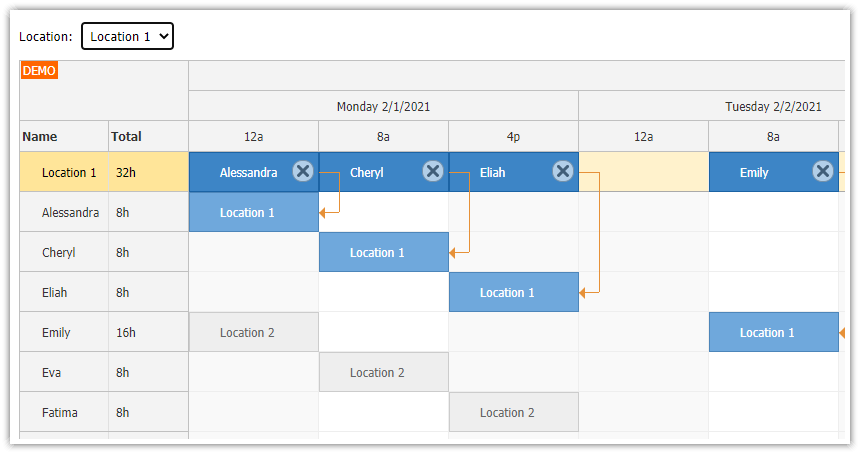
We love complex scenarios
DayPilot can help you with advanced scenarios - display relations between tasks, resolve conditions in real time during drag and drop, calculate availability/utilization, move multiple related events at once, keep a history for undo/redo, drag items between the schedule and a queue of uncheduled tasks.
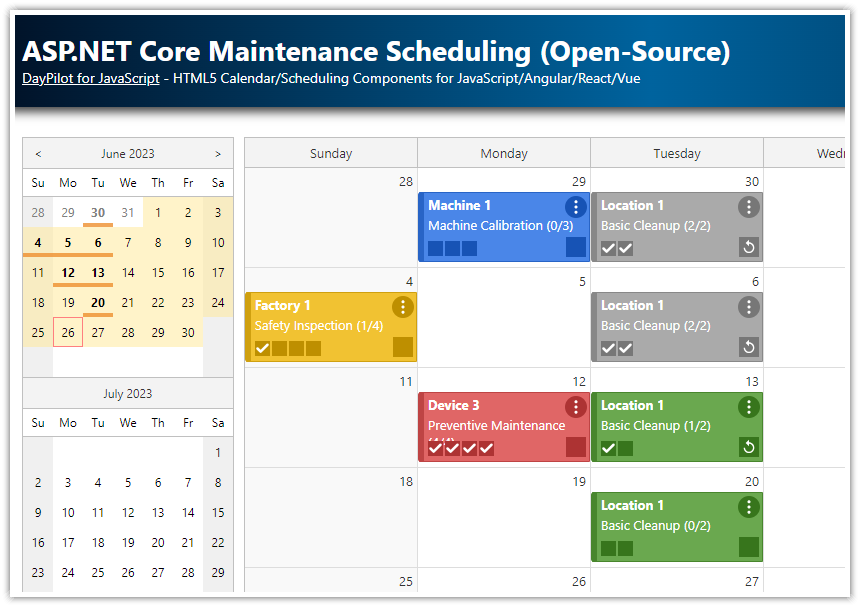
We love open source
You can use the open-source version of DayPilot with business-friendly Apache License to add calendar and scheduling features to your application.
HTML5 Scheduler Component
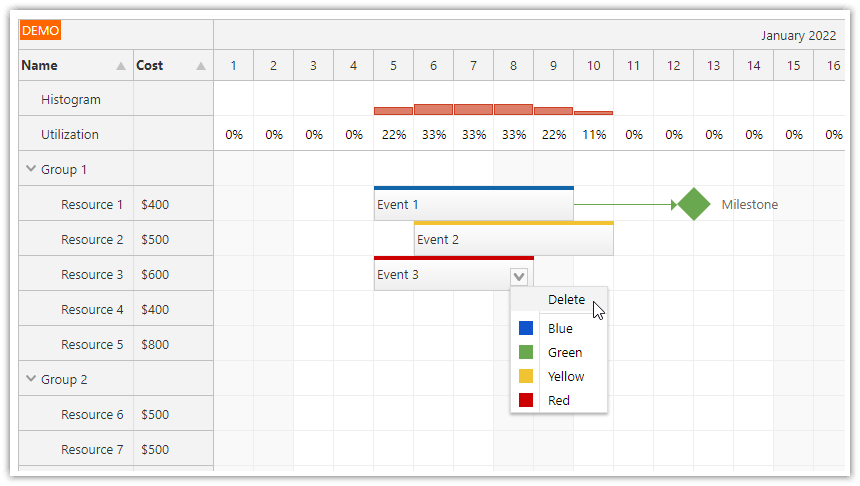
DayPilot HTML5 scheduler component is a timeline view of multiple resources. The cell size is adjustable (minutes to years). Supports drag&drop AJAX operations (moving, resizing), hierarchy of resources (tree view), dynamic event loading (while scrolling), image export (SVG, PNG, JPEG) and other advanced features.
HTML5 Gantt Chart Component
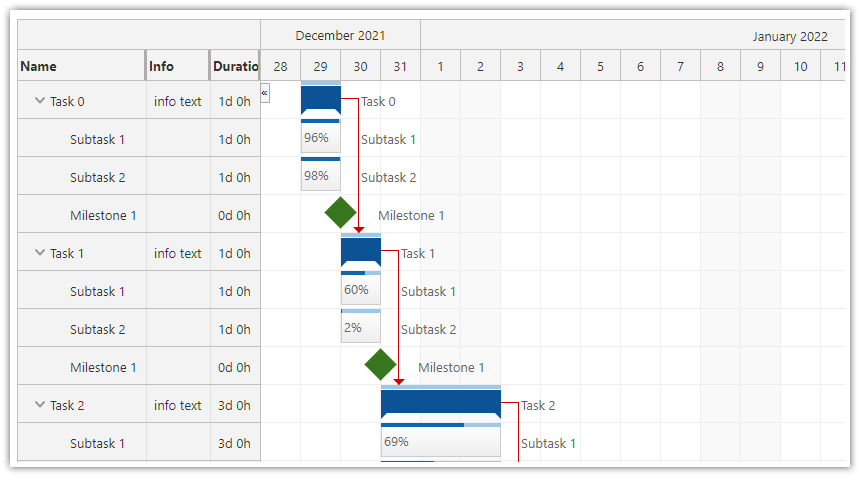
DayPilot HTML5 scheduler component displays a timeline for a hierarchy of tasks, one task per row. The Gantt chart supports task groups, milestones, task dependencies, drag and drop operations, task and row customizations and more.
.
HTML5 Event Calendar Component
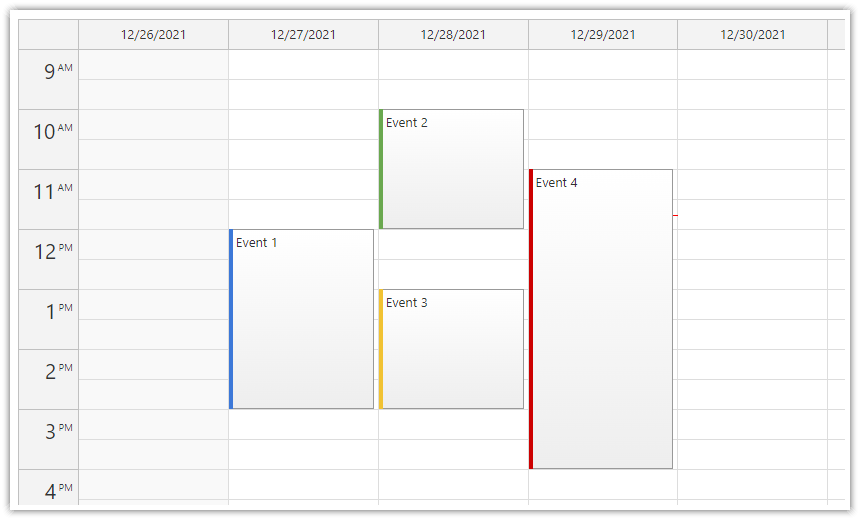
DayPilot HTML5 event calendar component displays an Outlook-like day/week view. Columns are customizable (you can display custom number of days or resources). Supports drag and drop operations (event creation, moving, resizing), context menu, integrated message bar. Supports image export (SVG, PNG, JPEG). All-day events, overnight scheduling.
HTML5 Monthly Calendar Component
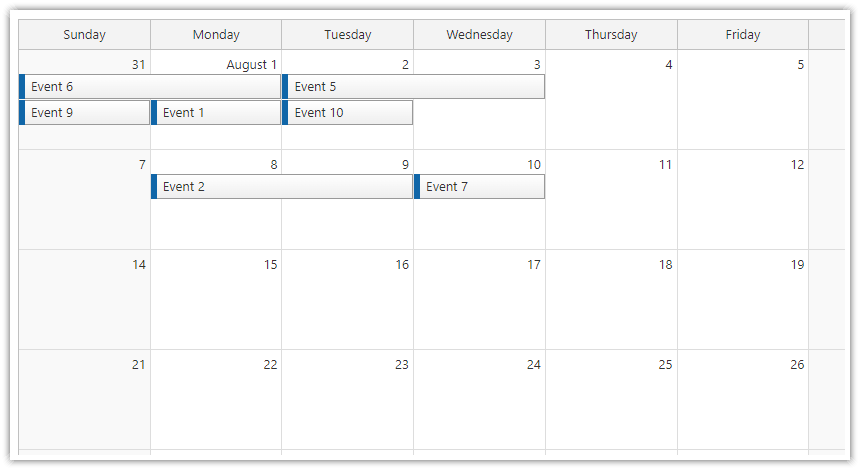
DayPilot HTML5 monthly event calendar component is an Outlook-like month view. Events can span multiple days or can be stacked inside day cells. Supports drag&drop AJAX operations (moving, resizing), context menu. Can display a custom number of rows (weeks). Supports image export (SVG, PNG, JPEG).
Tutorials
JavaScript/HTML5
- HTML5 Event Calendar (Open-Source) (JavaScript)
- HTML5 Doctor Appointment Scheduling (JavaScript)
- HTML5 Scheduler (JavaScript)
- HTML5 Gantt Chart (JavaScript)
- HTML5 Timesheet (JavaScript)
- More JavaScript calendar and scheduler tutorials ...
Angular
- Angular Scheduler and PHP/MySQL
- Angular Scheduler and Spring Boot
- Angular Appointment Calendar and PHP/MySQL
- Angular Hotel Room Booking
- Angular Restaurant Table Reservation
- Angular Work Order Scheduling
- Angular Calendar: Day/Week/Month Views (Open-Source)
- Angular Resource Calendar (Open-Source)
- More Angular calendar and scheduler tutorials ...
React
- React Shift Scheduling Application
- React Scheduler Tutorial
- React Scheduler: TypeScript Project
- React Timesheet
- React Weekly Calendar Tutorial (Open-Source)
- React Monthly Calendar Tutorial (Open-Source)
- React Resource Calendar Tutorial (Open-Source)
- More React calendar and scheduler tutorials ...
Vue
- Vue Scheduler: Build a Reservation Application in 5 Minutes
- Vue Gantt Chart Tutorial
- Vue Timesheet
- Vue Weekly Calendar Tutorial (Open-Source)
- Vue Monthly Calendar Tutorial (Open-Source)
- Vue Resource Calendar Tutorial (Open-Source)
- More Vue calendar and scheduler tutorials ...
ASP.NET Core
- ASP.NET Core Scheduler
- ASP.NET Core Production Workflow Scheduling Tutorial
- ASP.NET Core Doctor Appointment Scheduling
- ASP.NET Core Shift Planning
- ASP.NET Core Work Order Scheduling
- ASP.NET Core Hotel Room Booking App
- ASP.NET Core Timesheet
- ASP.NET Core Weekly Calendar (Open-Source)
- ASP.NET Core Monthly Calendar (Open-Source)
- ASP.NET Core Maintenance Scheduling (Open-Source)
- ASP.NET Core Resource-Scheduling Calendar (Open-Source)
- More ASP.NET Core calendar and scheduler tutorials ...
PHP
- PHP Hotel Room Booking System
- PHP Shift Planning System
- PHP Annual Leave Scheduling
- PHP Machine/Production Job Scheduling Application
- PHP Work Order Scheduler
- PHP Restaurant Table Reservation Application
- PHP Calendar with Day/Week/Month Views (Open-Source)
- PHP Resource Calendar (Open-Source)
- More PHP scheduling tutorials ...
Spring Boot
- Spring Boot Scheduler
- Spring Boot Gantt Chart
- Spring Boot Machine/Production Job Scheduling Web Application
- Weekly Event Calendar in Spring Boot/Java (Open-Source)
- Monthly Calendar in Spring Boot/Java (Open-Source)
- Spring Boot Resource-Scheduling Calendar (Open Source)
- More Spring Boot scheduling tutorials ...
Online Component Configurator
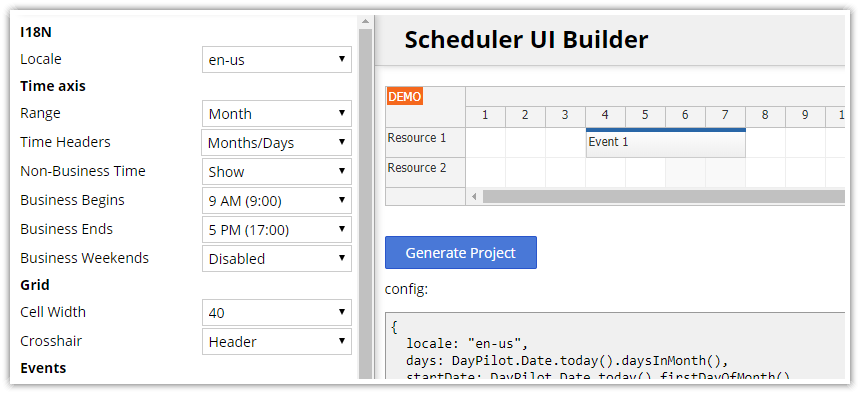
Create a prototype in minutes. Use the DayPilot UI Builder to configure the components and download a ready-to-run project. Supports JavaScript, TypeScript, Angular, React, and Vue.js projects.
News
DayPilot Pro for JavaScript 2024.2.5922 was released:
https://javascript.daypilot.org/daypilot-pro-for-javascript-2024-2-5922/
JavaScript Yearly Calendar tutorial was released:
https://code.daypilot.org/23687/javascript-yearly-calendar
How to configure DayPilot JavaScript Calendar to create a custom view that displays a yearly calendar where each column represents one month, and each cell represents one day.
DayPilot Pro for JavaScript 2024.2.5912 was released:
https://javascript.daypilot.org/daypilot-pro-for-javascript-2024-2-5912/
DayPilot Pro for Java 2024.1.8576 was released:
https://java.daypilot.org/daypilot-pro-for-java-2024-1-8576/
DayPilot Pro for ASP.NET MVC 2024.1.6086 was released:
https://mvc.daypilot.org/daypilot-pro-for-asp-net-mvc-2024-1-6086/
Get E-mail Notifications Releases, tutorials, and improvements.